
How LUTs Elevate Your Visual Style: The Secret Behind Consistent, Cinematic Color
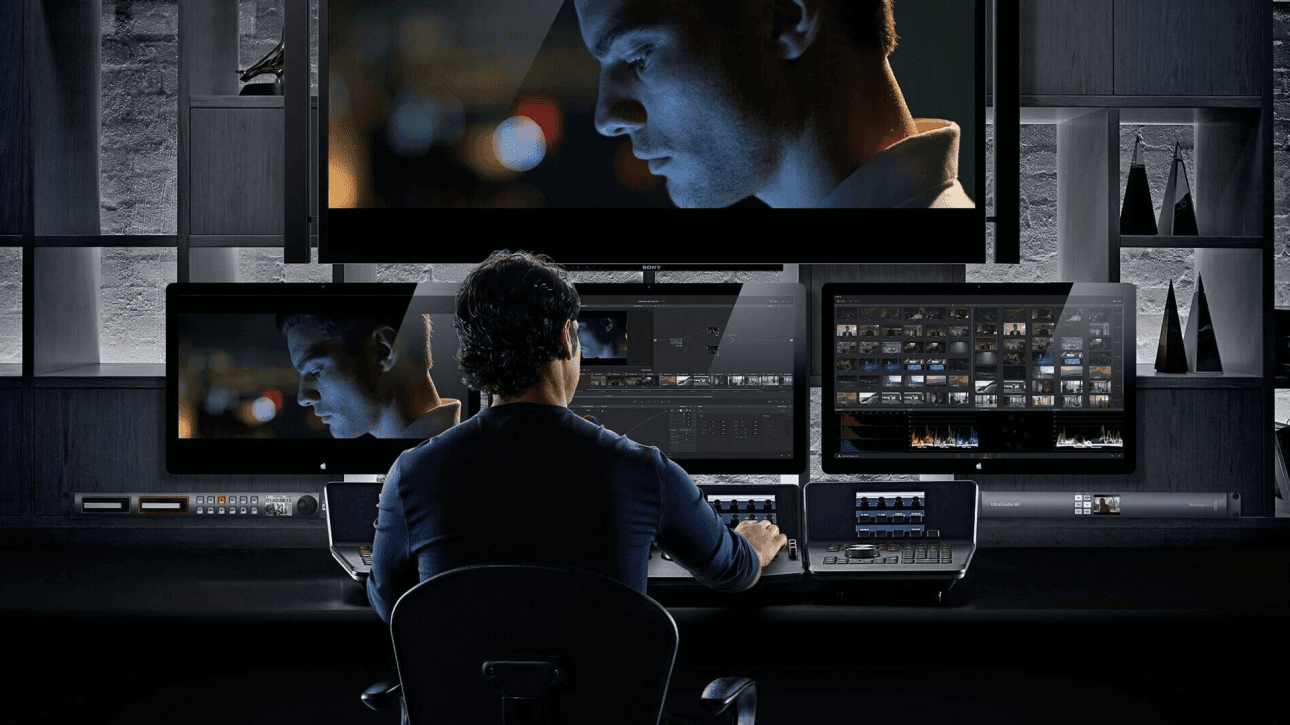
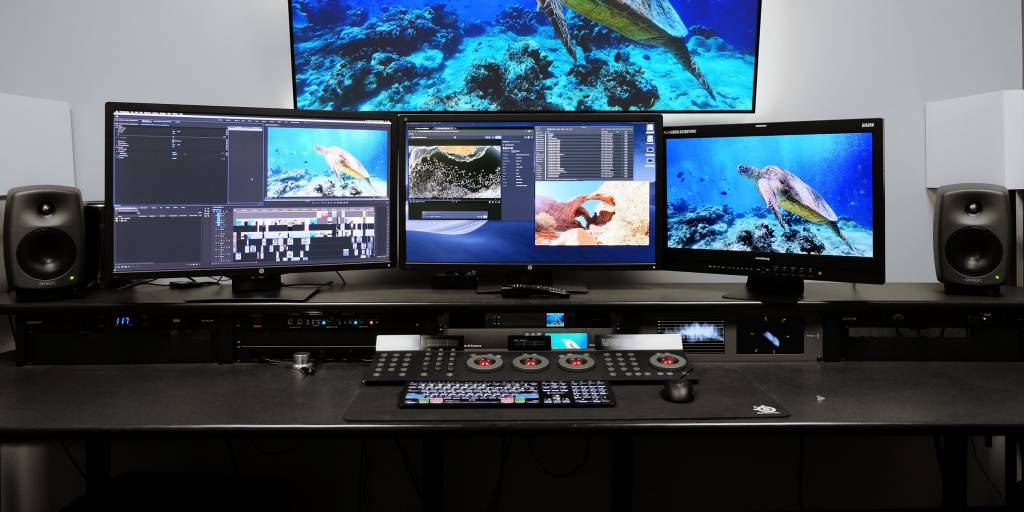
Color is one of the most powerful storytelling tools in filmmaking and photography. It shapes mood, guides emotion, and instantly tells the viewer what kind of world they’ve stepped into. But achieving a cohesive color style across different shots, scenes, or entire projects can be challenging — especially when lighting, camera profiles, and environments vary from moment to moment.
That’s where LUTs come in.
LUTs (Look-Up Tables) aren’t just technical tools. They’re creative shortcuts that help filmmakers and photographers establish a consistent visual identity. Whether you’re creating YouTube videos, shooting weddings, building a commercial brand, or working on a cinematic project, LUTs are one of the simplest ways to give your work a professional and unified look.
In this post, we’ll explore how LUTs enhance your creative style and why they’ve become essential in modern color grading.
Why Consistency Matters in Visual Storytelling
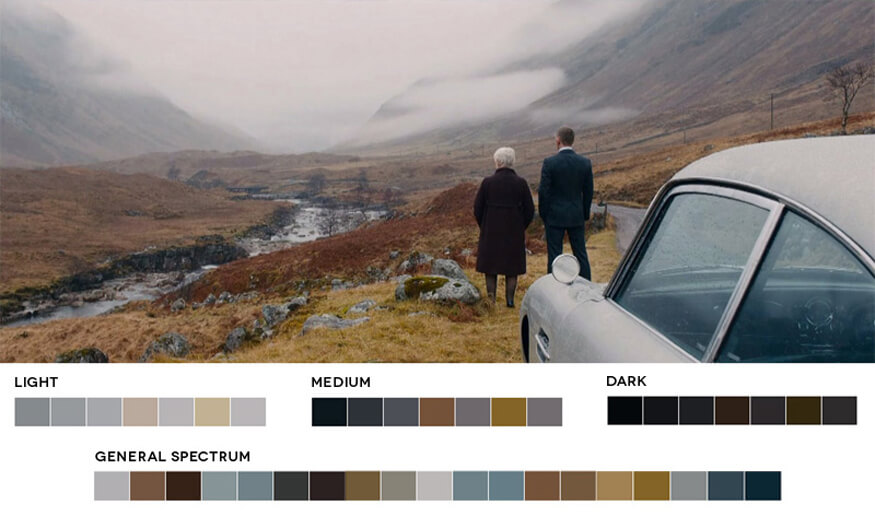
When viewers watch a film or browse a photo set, they expect the visuals to feel connected — even when scenes were filmed at different times, in different places, or with different lighting. Inconsistent color can break immersion, distract the audience, or make footage look amateur.
LUTs play a key role by:
Keeping tones and colors uniform across multiple shots
Streamlining the editing process so you don’t have to rebuild the look manually
Maintaining brand or project identity, especially for commercial creators
Creating predictable results, even when the raw footage varies a lot
This is especially important for creators working fast — YouTubers, travel filmmakers, influencers, documentary shooters — because LUTs provide a quick, reliable way to maintain a cohesive aesthetic.
LUTs Help You Build Your Own Visual Identity
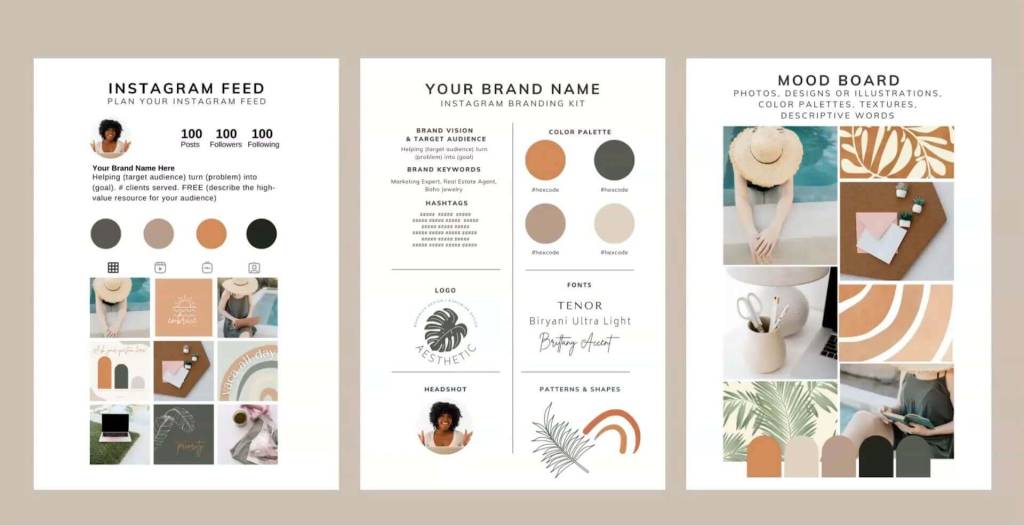
Every creator develops a style over time. For some, it’s warm tones and soft pastels. For others, it’s moody blues, high contrast, or vibrant cinematic colors.
LUTs help you get there faster.
By applying a LUT, you establish the foundation of your look — the overall tone, the color bias, the contrast level. From there, you can make small adjustments to perfect it.
Creators often:
Use a signature LUT across all content to build brand recognition
Keep a set of stylistic LUTs for specific moods (sunset, vintage, cinematic, winter, etc.)
Apply LUTs during the storyboarding or planning phase to visualize the final color style
The more consistent your color, the stronger your visual identity becomes.
Why LUTs Save Time Without Sacrificing Quality
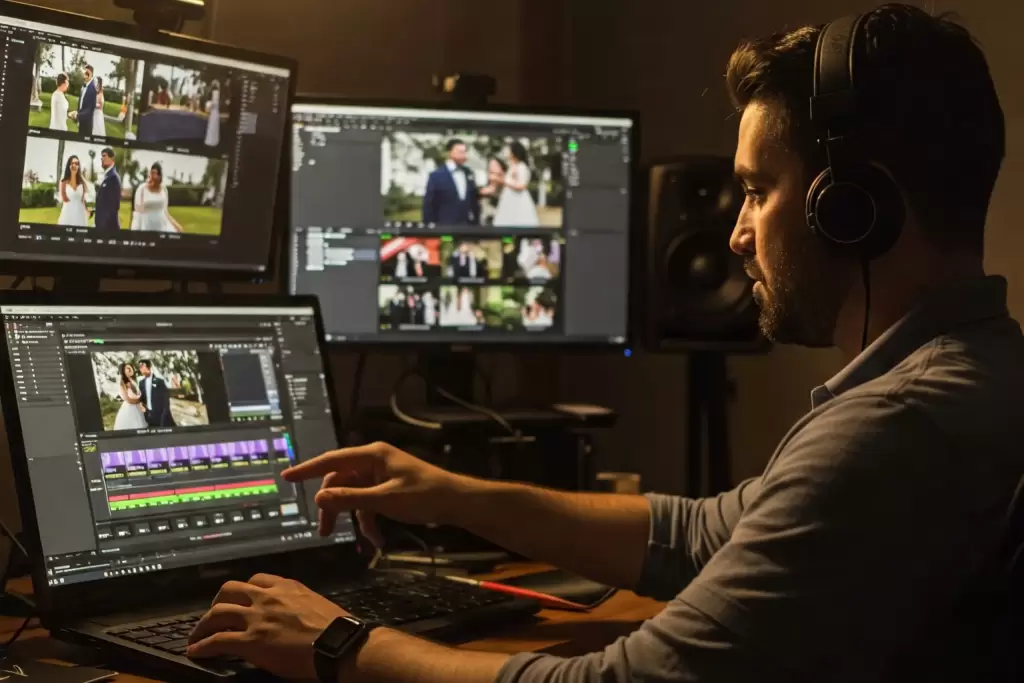
Color grading from scratch can be time-consuming — especially when trying to achieve a cinematic style. LUTs act as a professional starting point, allowing you to skip repetitive tasks like:
Rebuilding a contrast curve
Adjusting color wheels manually
Rebalancing skin tones
Recreating color separation
Instead of starting with a flat image, you start with a fully formed look that you only need to refine.
For many creators, LUTs turn hours of color grading into minutes.
The Key to Getting the Most Out of LUTs
Applying a LUT shouldn’t be the final step — it should be the first. To get the best results:
Balance your exposure before applying the LUT
Correct your white balance to avoid color shifts
Adjust intensity (mix/opacity) to fine-tune the look
Use Rec.709 as your base, especially if shooting in Log
Apply local adjustments (like skin tone tweaks or shadow recovery) after the LUT
This workflow helps you get clean, predictable results every time.
LUTs Are Everywhere — And Becoming More Important
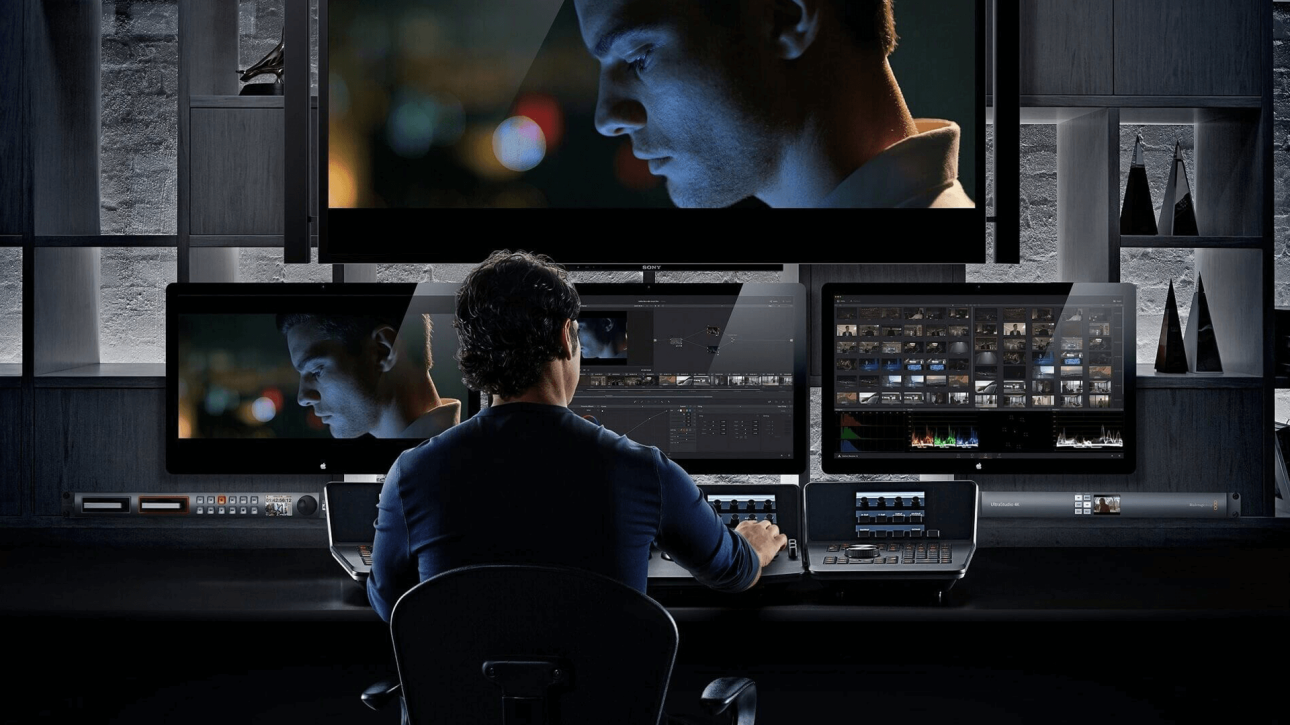
With the rise of content creation, LUTs have moved from professional film sets into everyday editing software. They’re now used by:
Filmmakers
Photographers
YouTubers
Content creators
Social media editors
Commercial teams
Wedding videographers
Travel filmmakers
And because LUTs work across almost every editing app — Premiere, DaVinci Resolve, FCPX, Filmora, Lightroom (via profiles) — they’ve become a universal creative tool.
As more people build visual brands online, LUTs are becoming a critical part of the editing process.
Final Thoughts
LUTs aren’t just about making footage look “better.” They’re about creating harmony, style, and identity in your work. Whether you’re aiming for cinematic depth, warm nostalgia, cool winter tones, or dramatic contrast, LUTs help you express your vision with clarity and consistency.
For creators who want their work to feel unified and professional — and who want to save time in the process — LUTs are one of the most powerful tools available.
Related Posts
The Power of Cinematic Color: Why Your Footage Looks Flat — and How LUTs Fix It
If you’ve ever looked at your raw footage and wondered why it feels dull, lifeless, or far from the cinematic look you see in movies, you’re not alone. Modern cameras capture a huge range of information — but without color grading, that data sits in a neutral, flat state. It’s technically correct, but emotionally empty.
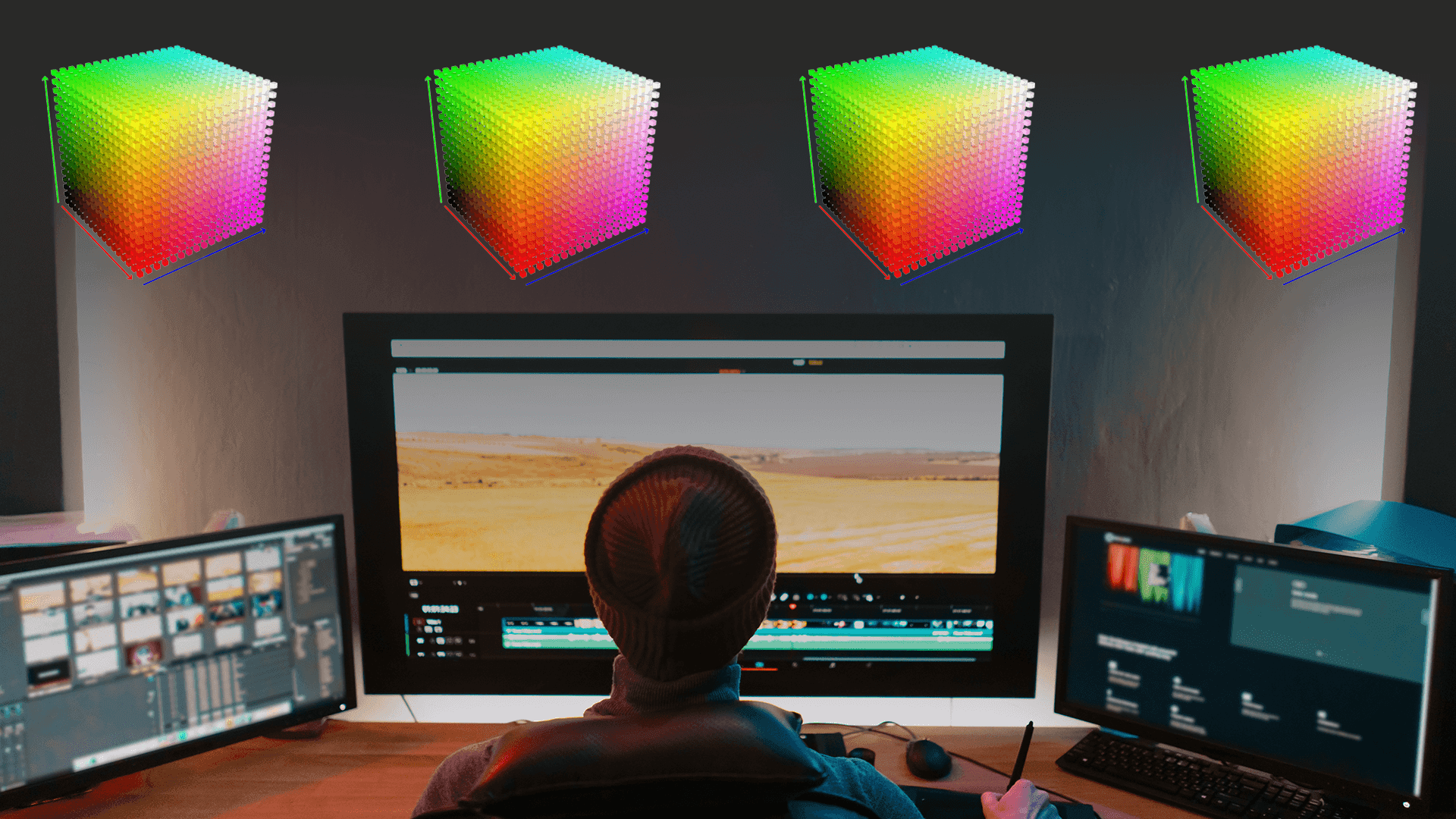
What Are LUTs and Where Are They Used?
If you’ve ever worked with video editing, color grading, or even photo editing, you’ve likely come across the term LUT. But what exactly is it? LUT stands for Look-Up Table.…