
The Power of Cinematic Color: Why Your Footage Looks Flat — and How LUTs Fix It
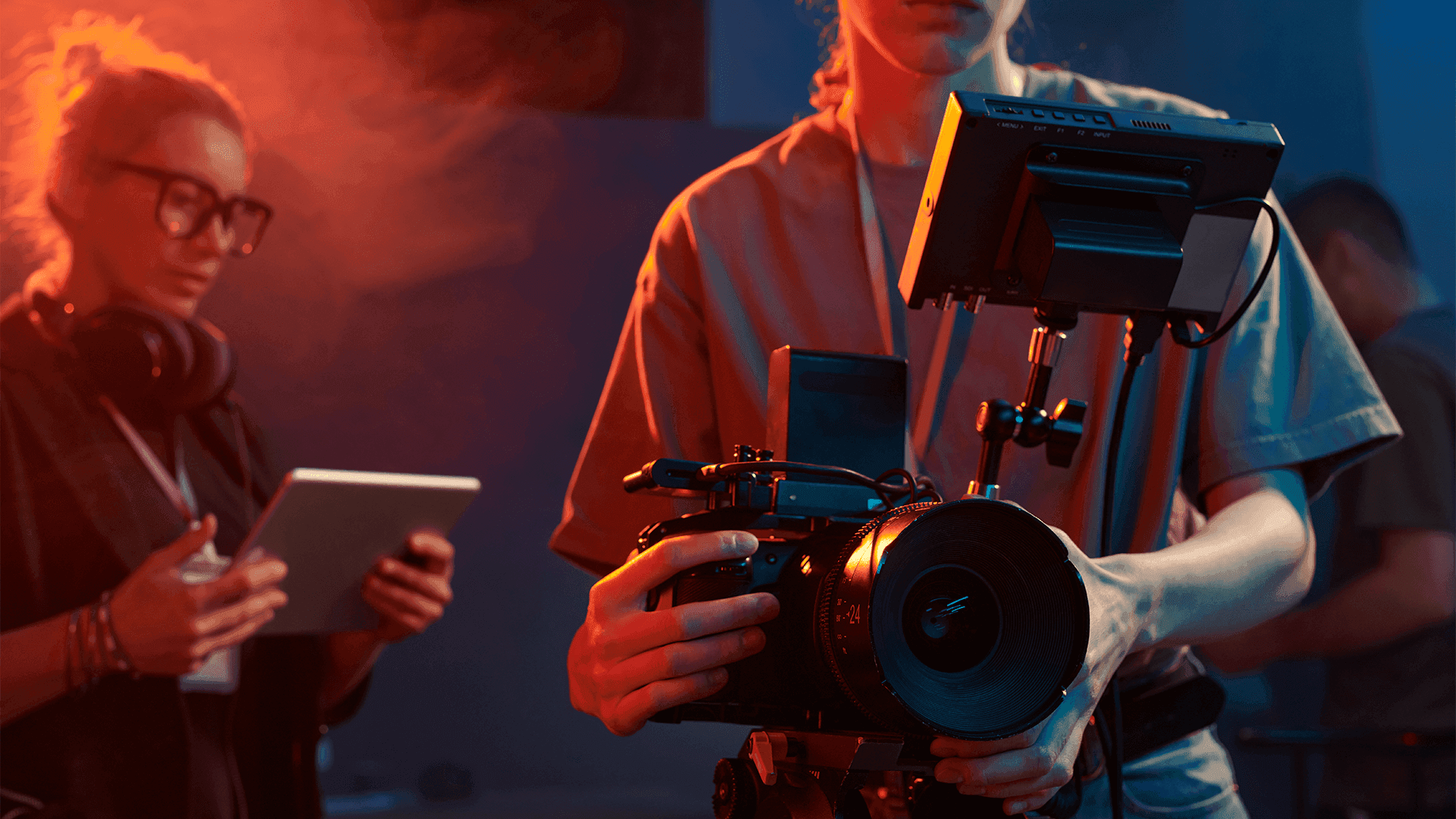
If you’ve ever looked at your raw footage and wondered why it feels dull, lifeless, or far from the cinematic look you see in movies, you’re not alone. Modern cameras capture a huge range of information — but without color grading, that data sits in a neutral, flat state. It’s technically correct, but emotionally empty.
This is where cinematic color comes in.
Cinematic color isn’t just about saturation or contrast. It’s a full visual language that guides emotion, shapes mood, and tells the audience how to feel. And for many creators, LUTs are the easiest, most effective way to apply that language to their work.
In this article, we’ll break down why cinematic color matters — and how LUTs help turn raw footage into something with depth, intention, and storytelling power.
Why Raw Footage Looks Flat
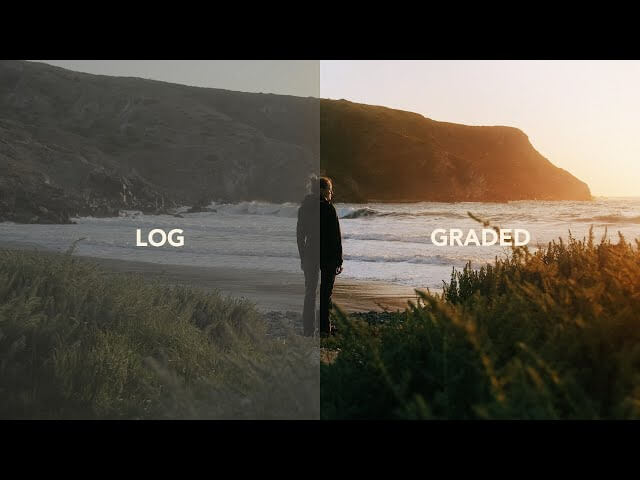
Most cameras today offer LOG or flat picture profiles. These modes are excellent for preserving detail, especially in highlights and shadows — but the trade-off is that the footage looks gray, washed out, and lifeless.
Here’s why:
LOG footage spreads contrast evenly across the tonal range
Colors are intentionally muted
Blacks look lifted and midtones appear soft
The image lacks emotion until color grading is applied
Directors love LOG because it gives them flexibility. But creators new to grading often feel confused when the footage doesn’t look appealing right out of camera.
This is where LUTs make all the difference.
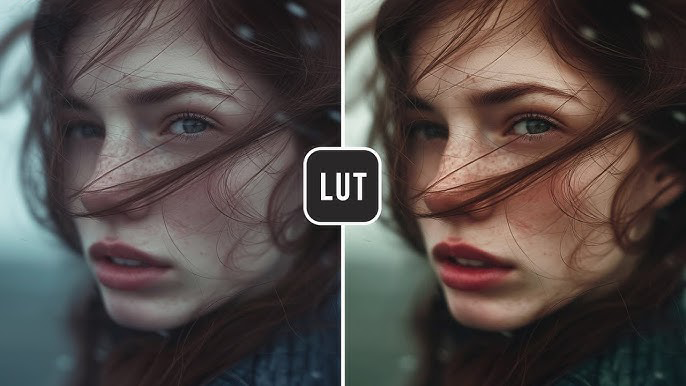
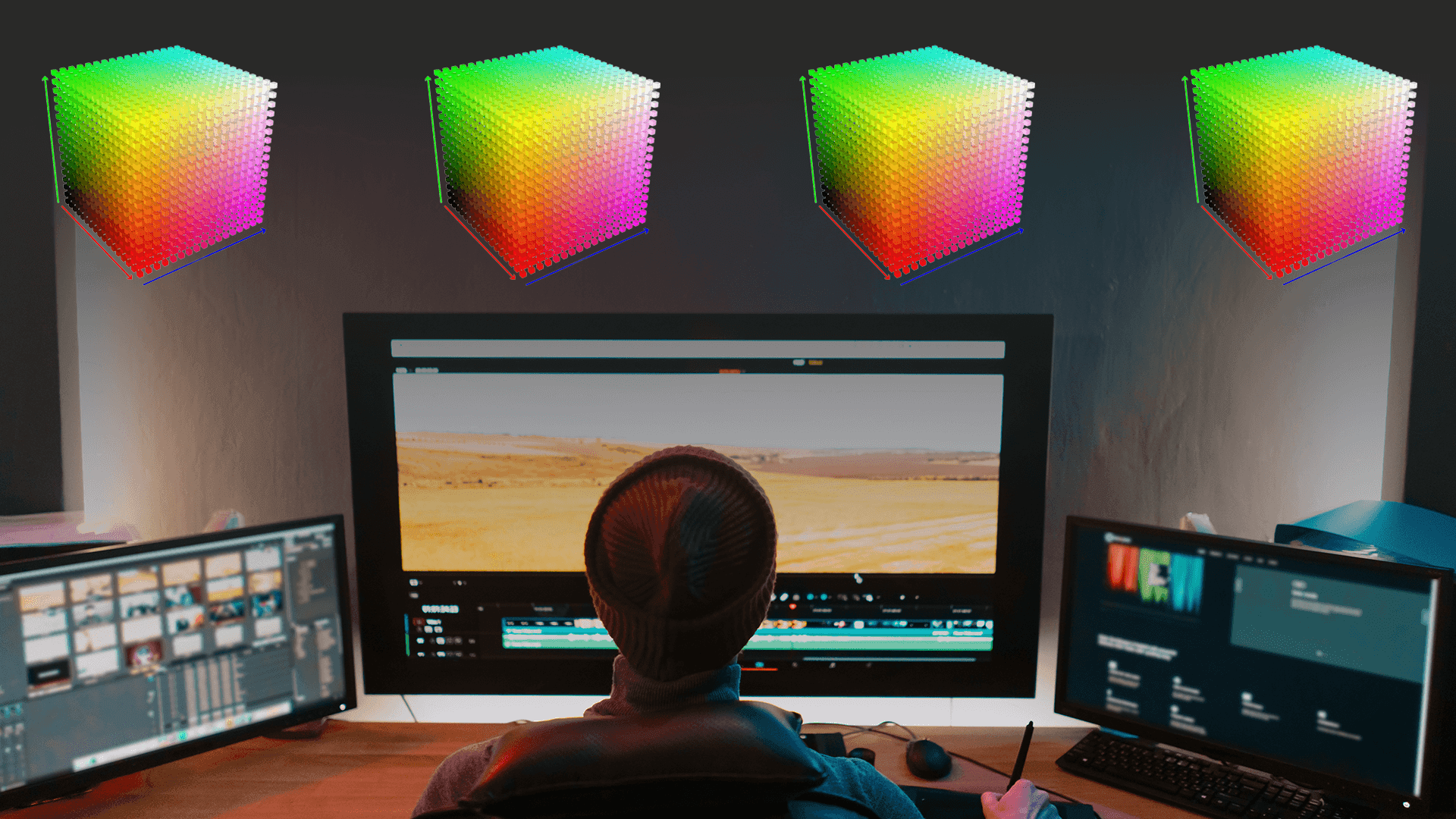
A LUT (Look-Up Table) is essentially a color recipe — a predefined transformation that tells your software how to shape the tones, curves, and colors of your image.
When you apply a LUT to flat footage, it can:
Restore natural contrast
Bring skin tones back to life
Add cinematic color separation
Create depth by shaping shadows and highlights
Introduce a consistent tone that ties your footage together
Instead of building your look from scratch, a LUT gives you a professional baseline so you can focus on fine-tuning rather than reinventing the wheel.
Why Cinematic Color Matters More Than Ever
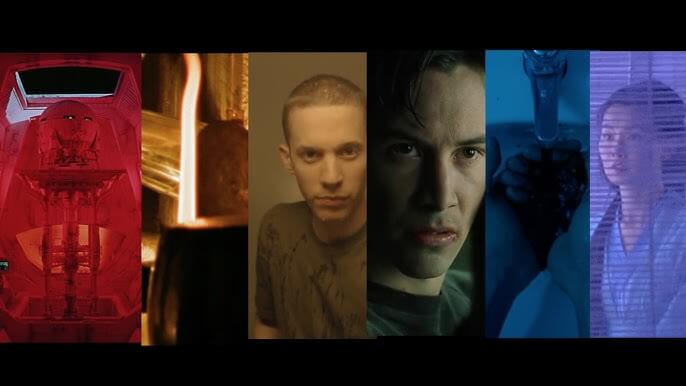
With so much content being produced every day — YouTube, TikTok, reels, commercial work — strong color grading has become a major differentiator. Viewers instantly notice when footage feels cinematic or when it feels rushed and unfinished.
Cinematic color helps you:
Set mood instantly
Create emotional impact
Build a recognizable visual identity
Make your content stand out in a saturated space
Guide the viewer’s eye through the frame
Color is storytelling — and LUTs give you control over that story.
LUTs vs. Manual Color Grading
Both methods have value, but LUTs offer key advantages:
LUTs:
Fast
Repeatable
Consistent
Great starting point for beginners and pros
Manual Color Grading:
Full creative control
More time-consuming
Requires experience
Best used after applying a LUT to refine the look
Many colorists use LUTs as a foundation, then continue shaping the image manually. This hybrid approach gives you speed and precision.
Building a Cinematic Workflow with LUTs
To get the best results, follow this simple sequence:
Correct exposure
Fix white balance
Convert LOG to Rec.709 if needed
Apply your LUT
Adjust intensity
Fine-tune shadows, highlights, and skin tones
This workflow ensures clean, predictable results every time.
Final Thoughts
Cinematic color is one of the most powerful tools in visual storytelling — and LUTs make it accessible to everyone. Whether you’re aiming for a Hollywood look, a nostalgic film aesthetic, a warm lifestyle feel, or a moody dramatic palette, LUTs give your footage depth and intention with just a few clicks.
If your raw footage feels flat or uninspired, it’s not your camera — it’s simply waiting for color.
Related Posts

How LUTs Elevate Your Visual Style: The Secret Behind Consistent, Cinematic Color
Color is one of the most powerful storytelling tools in filmmaking and photography. It shapes mood, guides emotion, and instantly tells the viewer what kind of world they’ve stepped into.…
What Are LUTs and Where Are They Used?
If you’ve ever worked with video editing, color grading, or even photo editing, you’ve likely come across the term LUT. But what exactly is it? LUT stands for Look-Up Table.…